
Searching Cases by Name
The main route is the Kansas District Court Public Access Portal. Its September 2025 Smart Search guide asks users to register or sign in first. Only then can you submit a query. Pick Marion under Filter by Location. That one step keeps same-name hits from every Kansas county from piling up. Your Marion County court docket results stay easy to spot.
- Open the official public portal, not the separate eFlex filing login.
- Register or sign in, then complete the “I’m not a robot” check.
- Select Marion County in Filter by Location.
- Choose party name, business name, nickname, or Sounds Like as appropriate.
- Add a file-date range, case type, status, or judicial officer only when supported.
- Review the case number, type, judge, parties, attorneys, and hearing fields, then confirm the right matter.
Company lookups require selecting Business Name first. The guide also offers optional birth-date, FBI, SO, and booking-number filters. Those sensitive values belong only in the official interface when needed. Never post or share them. Match your spelling to the court record itself.
Marion County Case Search Fields
Smart Search offers several routes, though a field alone never guarantees public access to every case. Lead with the narrowest fact you already have. The official guide does not publish every choice inside its dynamic type, status, and judge menus, so read those lists live on the portal.
| Field | Type or choice | Use in Marion County |
|---|---|---|
| Filter by Location | Dropdown | Select Marion or All locations |
| Filter by Search Type | Dropdown | Party, case, citation, attorney, business, judge, nickname, or cross reference |
| Search by | Choice | Party Name, Business Name, Nickname, or Sounds Like |
| File Date Start / End | Date fields | Narrow a broad name result |
| Case Type / Status | Dynamic dropdowns | Limit results without inventing an option |
| Judicial Officer | Dynamic dropdown | Use when the assigned judge is known |
Advanced Filtering Options can tighten the query. Clear resets the form, Submit runs it, and the question-mark control opens help. If the verification step fails, just retry it. A verification error is not a no-case result.
Searching by Case Number
An exact Marion County case number usually beats a party name for precision. Current Odyssey-style numbers combine a county code, year, case type, and a six-digit sequence. Think MN-2026-CR-000029, MN-2026-TR-000368, or MN-2026-LM-000197. Type the number exactly as the portal or clerk displays it, zeros and hyphens included.
The two-letter middle code hints at the case family. CR means criminal. TR traffic, CV civil, LM limited civil, DM domestic, and JV juvenile in calendar rows. Treat the code as a clue, not an access promise. Older cases may carry a legacy year, type, and number form with no MN prefix. When the current pattern fails, copy the older number from a notice. Or ask the clerk.
Search by number first when names are common or have changed. A name lookup can return several people at once. A full number keeps county, year, case family, and sequence intact.
Marion County Case Search Channels
Marion County offers three tools, and each answers a different question. Smart Search returns case information and may offer public documents for covered records. The Eighth District PDF tells you when a matter is set. The courthouse terminal can display some public documents and converted records. The web portal does not show those.
| Channel | Best question | Main limit |
|---|---|---|
| Kansas Smart Search | What public case, parties, events, judge, or hearing appears? | Restricted and some older documents may be absent |
| Marion PDF docket | When and before whom is a setting listed? | Reference calendar, updated about twice weekly |
| Courthouse terminal | Is a public converted document available locally? | No sealed record and no clerk bulk compilation |
| Clerk counter or phone | Which route fits an unresolved public record? | Staff do not promise substantive research |
The Eighth District's official Record Search page routes users to the right court search path. That local routing layer is what the district publishes for visitors choosing where to look.
Start with your question, then pick the channel, because no single source holds the complete Marion County file.
What a Case Search Returns
A public result may show plenty enough to tell one case from another. It is still just an index. A document link depends on public status and eCourt coverage. A full paper or electronic file can hold more. Read each value as a field, never as a conclusion about what happened.
| Case Number | The unique court identifier and strongest search key. |
|---|---|
| Case Type | The court category, such as criminal, traffic, civil, or limited civil. |
| Parties | People, businesses, or public bodies formally connected to the case. |
| Attorneys | Counsel listed in the court information, which can change. |
| Judicial Officer | The assigned judge or magistrate shown by the system. |
| Hearings | Scheduled dates, which should be checked against the newest notice. |
| Documents | Only public, covered items that the portal makes remotely available. |
A calendar row is narrower still. It can list a setting type and a note, but not the full event history, order text, payment ledger, or result. For those, go to the events index or a named document.
When a Marion County Case Search Fails
A blank query calls for a routing check, not a claim that no case exists. First confirm Marion County District Court owns the matter. City ordinance and municipal traffic files belong to the issuing city. Then loosen an over-narrow date or status filter. Verify spelling. Try the exact case number.
- Check the current Marion PDF when the main need is a hearing date.
- Ask the clerk about a public converted document at the courthouse terminal.
- Consider whether the category is sealed, expunged, juvenile, adoption, CINC, domestic, probate, or care-and-treatment.
- Use the city clerk when the citation or complaint is municipal.
- Submit a specific written court-record request when an identifiable public document is not online.
The District Court clerk is Jan Helmer. The public counter sits at 200 S. Third Street, Suite 201, Marion, KS 66861, and the court line is 620-382-2104. Mail, phone, and in-person contact all work as fallbacks. Staff do not promise broad research for a caller, so bring your case number.
Statewide vs County Case Search
The statewide public portal covers Kansas District Court case information. Marion County runs no separate county web database for those district cases. The local layer is the clerk, the courthouse terminal, and the district PDF. Municipal courts stay separate.
| Search layer | Coverage | Use |
|---|---|---|
| Statewide portal | Kansas District Court public case information | Search Marion by name, number, type, status, judge, or date |
| Marion County clerk | District Court file and local access | Confirm records, use terminal, request copies |
| Municipal clerk | City ordinance and city traffic docket | Ask the city named on the ticket or notice |
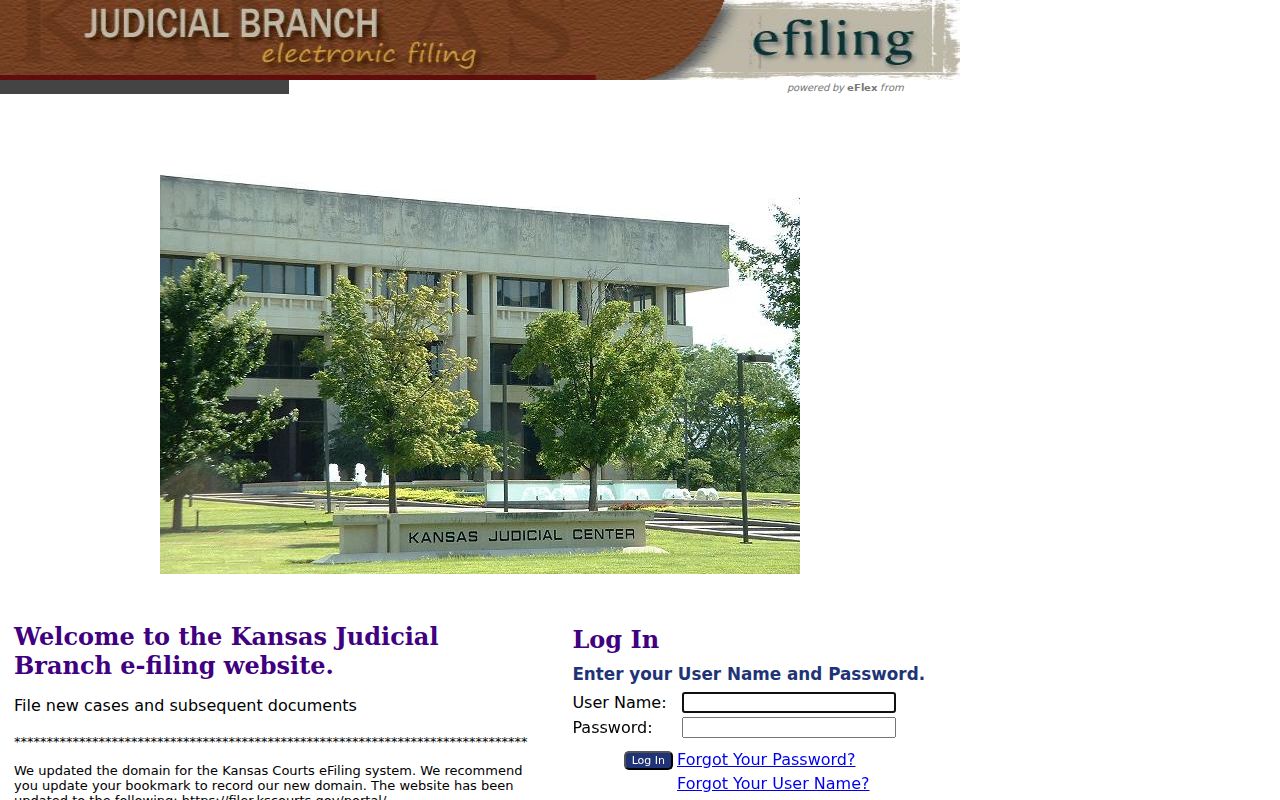
The Kansas Courts eFiling System, powered by Tybera eFlex, is not a public search portal. It is an authenticated filing tool. The official eFlex source presents user-name and password controls for filing users only.
A public reader should stick with Smart Search. Requesting an eFlex account just to find a case buys nothing.
Marion County Case Search Terms
Search results and calendars use related terms, but they are not the same product. Keeping them apart prevents false conclusions about a court record.
- Docket or Calendar PDF
- A schedule of hearings and trial settings, published for reference.
- Events Index
- The chronological case-level list named in Kansas Supreme Court Rule 22.
- Case Record
- The public case information and accessible filed material held by the court.
- Setting
- A planned hearing or court event, not proof that it occurred.
- Continuance
- A move from an earlier date, which may not appear at once in the PDF.
- Certified Copy
- A clerk-authenticated copy, separate from a free screen result.
When the result matters for a filing, ask for the specific order, judgment, or notice. A broad “docket” request can hand you the wrong product.
Access and Restricted Cases
Kansas Supreme Court Rule 22 splits courthouse access from remote access. The public terminal can show more material than the web portal does. Still, sealed or confidential files stay closed everywhere. The clerk will not compile terminal data or hand it out in bulk either. Portal access also depends on the case category. It depends on each document's status and on how far Marion County's electronic records reach.
Some cases never appear on the public portal at all. Per the Smart Search guide, that includes adoption, DM, and CINC cases. Statutes and court rules also restrict many juvenile, probate, mental-health, and care-and-treatment records. An expunged or sealed case must not be pieced back together from clues on a docket. Ask the clerk about the lawful process instead.
Restricted result: A known case that does not appear remotely may still require a category-specific request, court order, or courthouse check. Absence is not proof of nonexistence.
Documents converted from older pre-Odyssey records may sit only on the Marion County courthouse terminal. The Kansas Judicial Branch describes public case information as free online. Clerk copies and certification cost extra. The portal makes no promise of unlimited document downloads or exports. It does not promise real-time updates either.
Verify a Marion County Case Search
Verification works best when each tool does its own job. Pull the case number and type in Smart Search. Then compare it with the newest setting in the Marion PDF calendar. Missing document link? Ask the clerk whether the item is public at the terminal or counter. For a past result, request the filed order or judgment. Do not quote a future calendar label, since a listed date is not a result.
This three-check approach suits anyone tracking their own case. It also works for confirming a hearing date or following a public matter. It helps with digging into Marion County history too. Write down the date you accessed the docket. Keep the exact case number handy too. When two official sources conflict, the originating court or clerk settles it.